Set up your account
From applying to your first goal — a one-time setup that takes about ten minutes.
Apply for the public beta
Drop your details to claim a founding-member seat. We onboard founders in small waves, so you're guaranteed a spot in the next one.
10 seconds · free, no cardGet your invite email
When your wave opens, we email a private invite from team@legacyfoundry.ai with a secure download link. Keep an eye on your inbox (and spam folder).
Arrives by email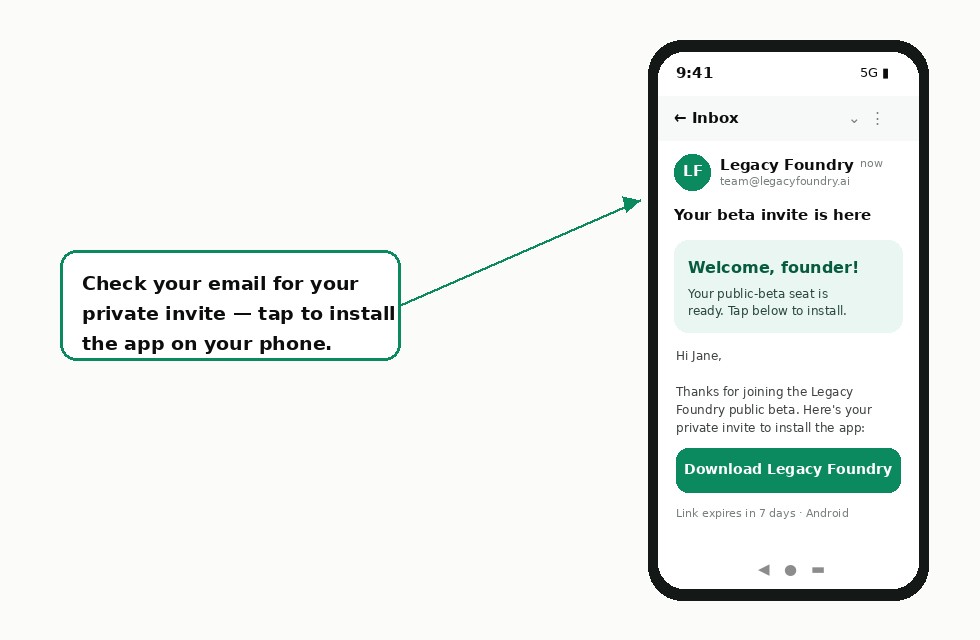
Install the app
Open your invite link, join the tester program, and install Legacy Foundry (Early Access) from Google Play.
~1 minute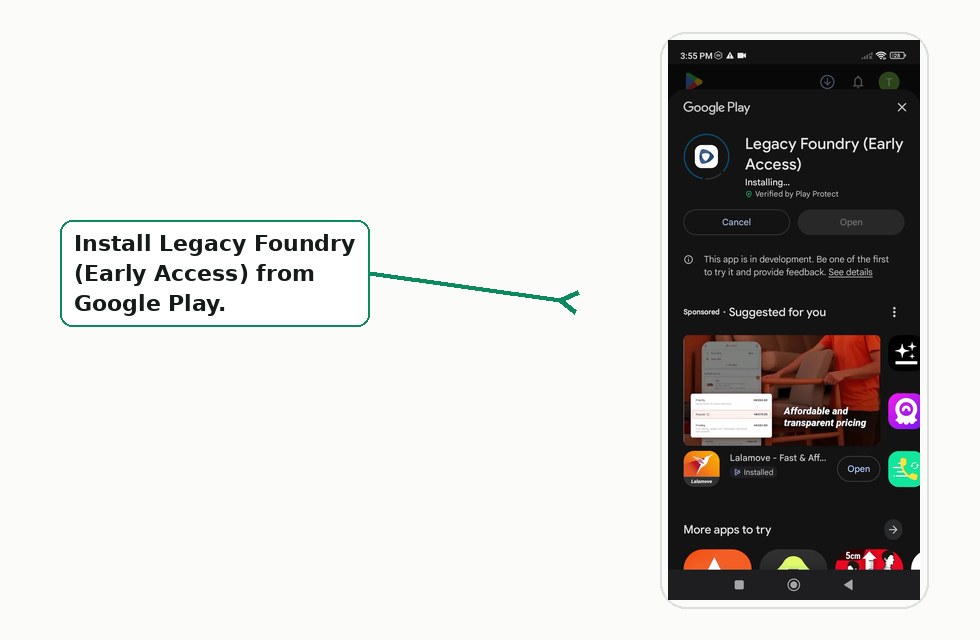
Onboard with your coach
A short, friendly conversation where your AI coach learns about you and your business — so everything afterwards is tailored to you.
A few minutes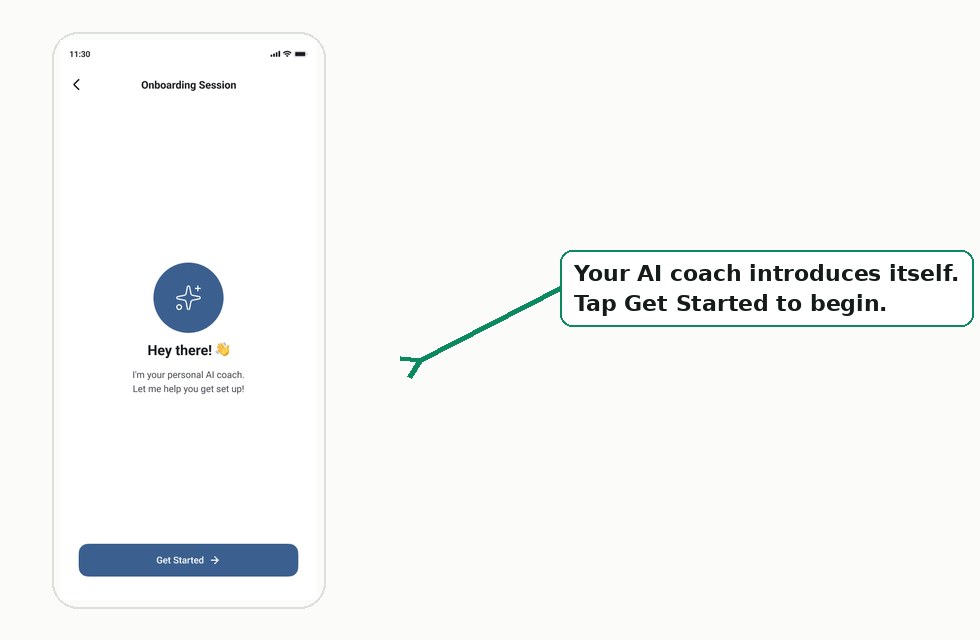
Set your first goal
Create one clear quarterly goal. This becomes the anchor your coach guides you toward every single day.
A few minutesYour daily rhythm
This is the heart of Legacy Foundry — a loop that repeats every day, week, and month to keep you moving.
Morning session — set your focus
Talk through your day with the coach. It helps you lock your top three moves — the most important actions that push your goal forward today.
~5 minutes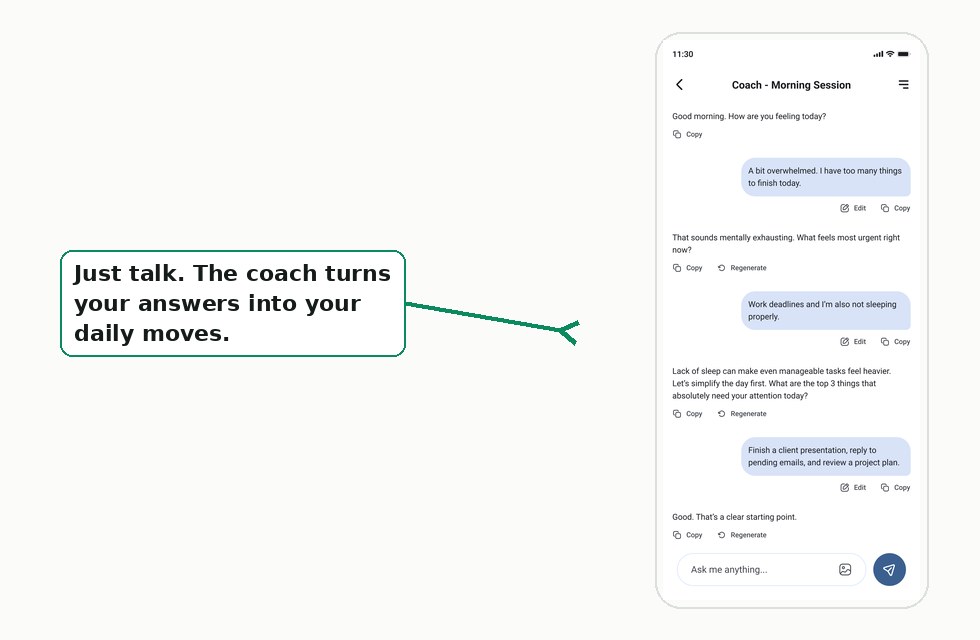
Evening session — reflect & close the day
Wind down with a short reflection. Review what got done, capture what you learned, and reset for tomorrow with a clear head.
~5 minutes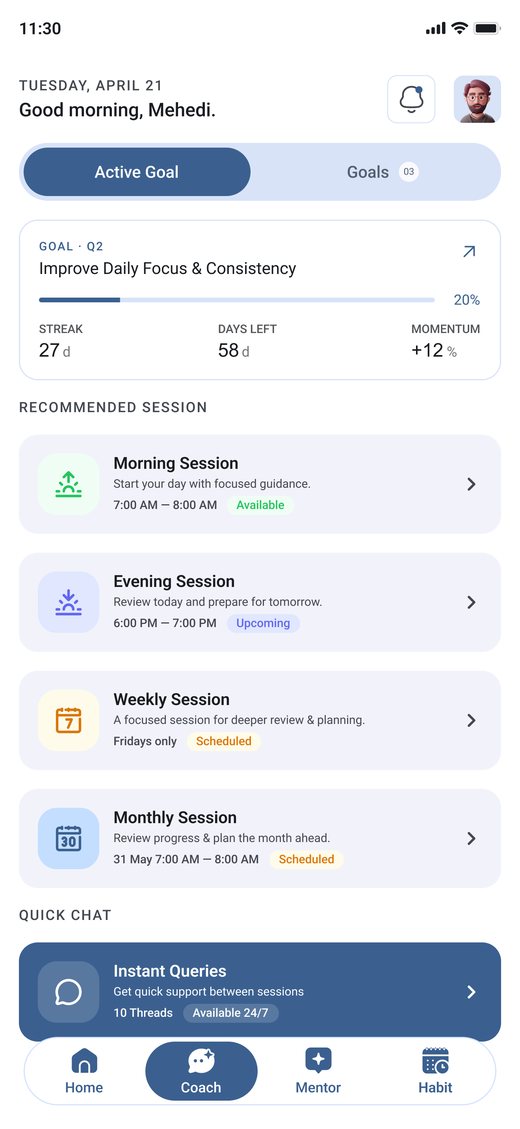
Reviews — zoom out & adjust
Your home screen tracks your goal, streak, and daily moves. Weekly and monthly reviews step back from the day-to-day so you can see progress, spot patterns, and adjust your plan.
Every week & month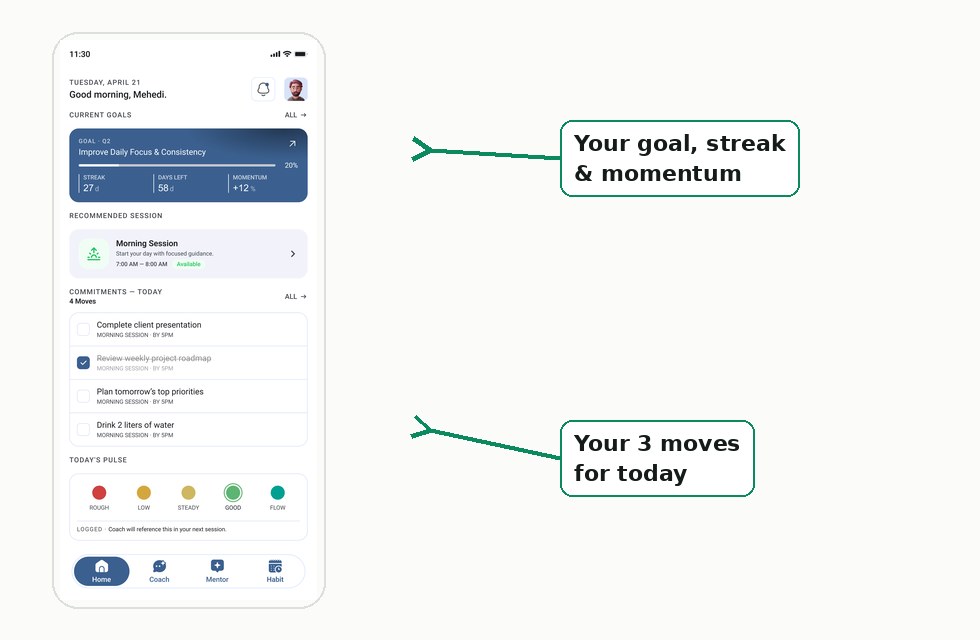
Always in your corner
Beyond the scheduled sessions, support is there whenever you need it.
Chat with your coach 24/7
Stuck at 1am? Need to think something through between sessions? Open the chat any time — your coach remembers your goals and context, so you never start from scratch.
Always available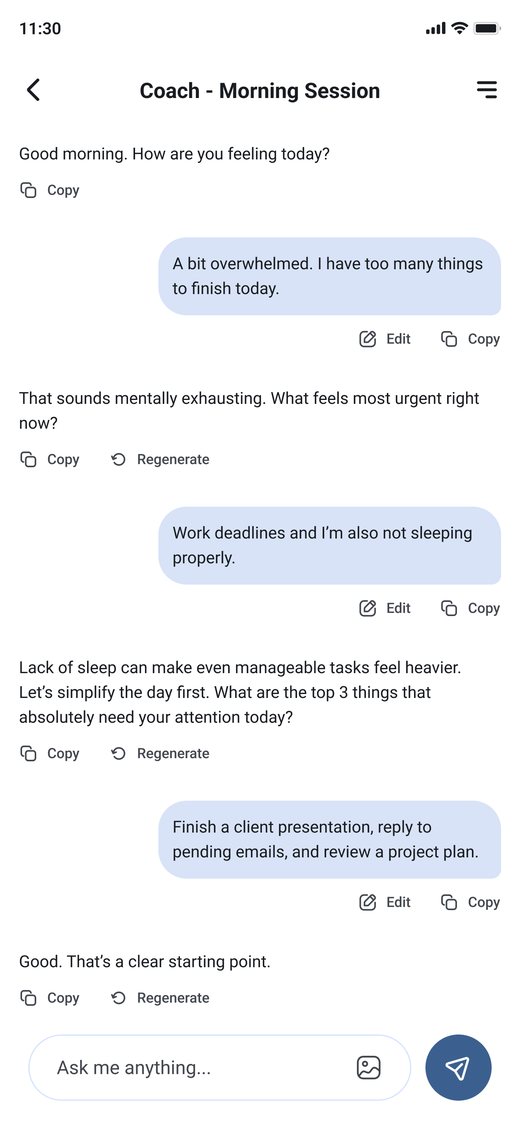
Get matched with a mentor
Choose the mentoring style that fits you today — sharp and analytical, warm and reflective, or direct and challenging. Your mentor adapts its tone, pacing, and questions to you.
On demand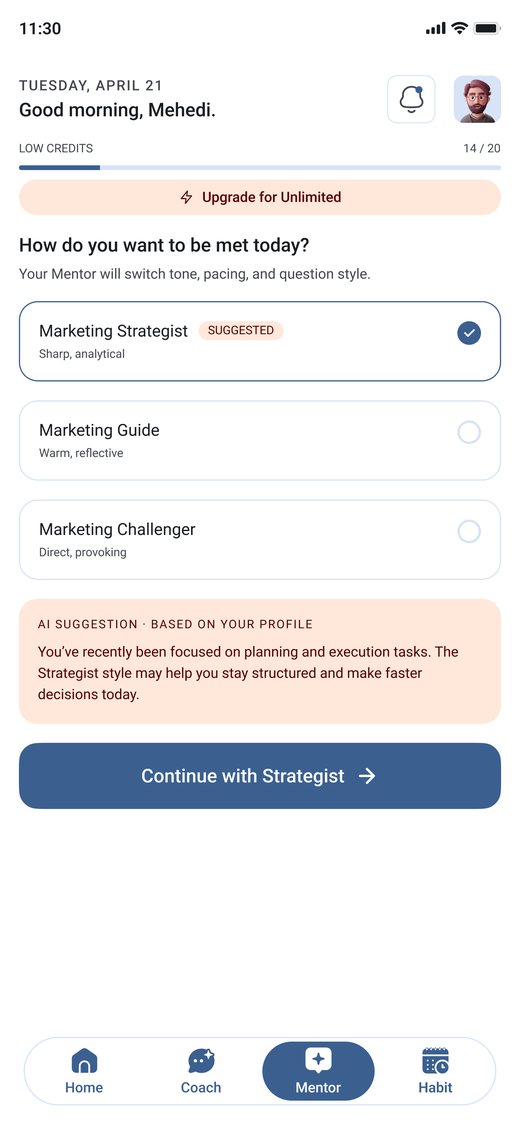
That's the full cycle.
Set up once, then run the loop. Every day compounds into real, steady progress toward your goal.